
Prompt Engineering Basics for Business Teams

🎯 Try This Quick Experiment

Before we dive in, let's experience firsthand why prompt engineering matters. Look at these two approaches to the same task:
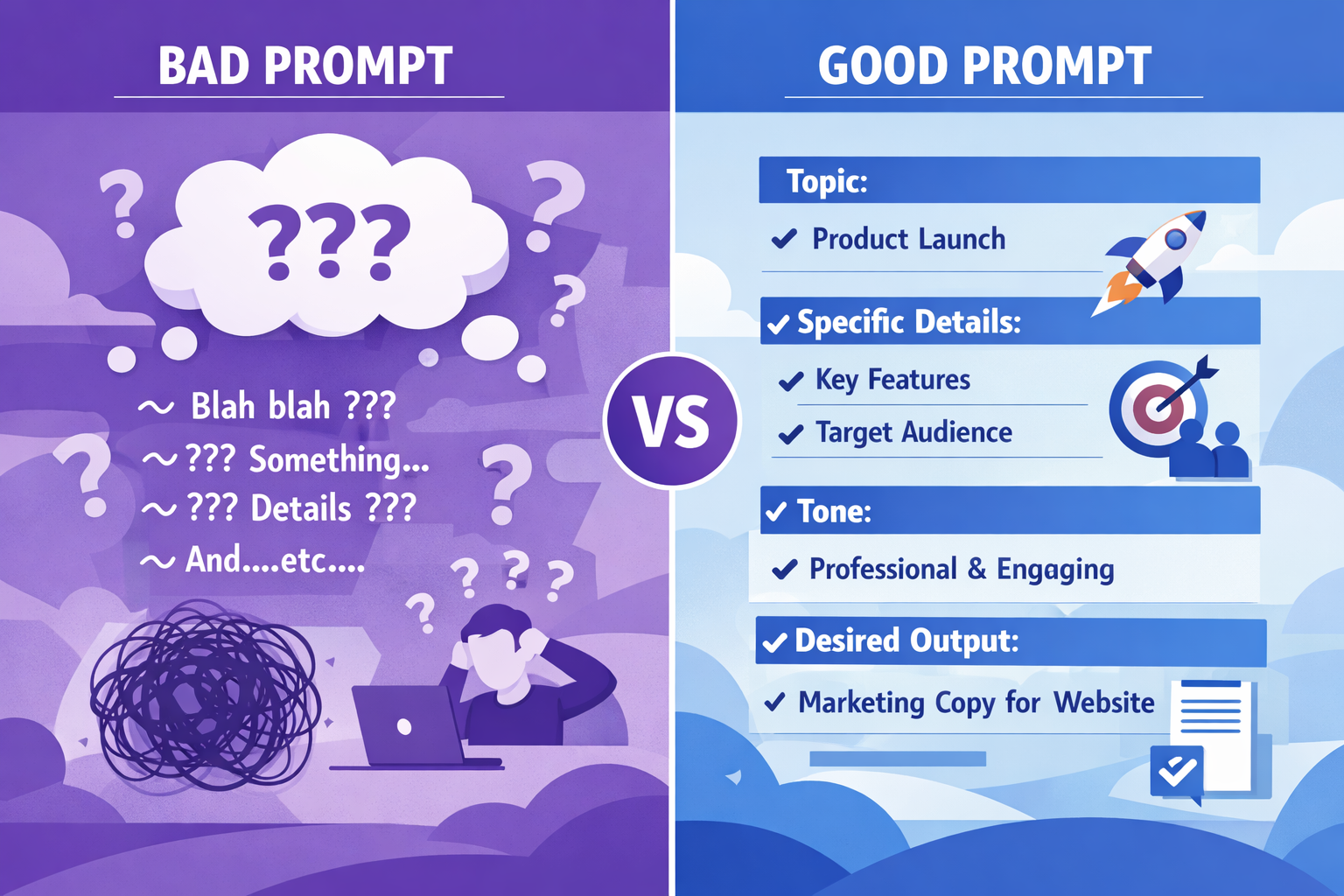
Bad vs Good Prompt Comparison
❌ Vague Prompt:

"Write something about our new product."

✅ Clear Prompt:

"Write a 150-word email announcing our new cloud storage product to existing customers. Highlight three key benefits: 50% faster upload speeds, military-grade encryption, and 24/7 support. Use a friendly, professional tone and include a clear call-to-action to try the free 30-day trial."

💡 What's the Difference?

The second prompt gets you exactly what you need on the first try. That's the power of prompt engineering—and you're about to master it.

What You'll Learn Today

Business professional using AI

📚 What's in This Lesson

  • The core principles of effective prompt engineering
  • The CLEAR framework for business prompts
  • Common mistakes and how to avoid them
  • Real-world examples for marketing, sales, and operations
  • Hands-on practice with immediate feedback

💡 Why This Matters to You

Time Savings: Well-crafted prompts reduce back-and-forth iterations by 70%, saving hours every week.

Better Results: Teams using structured prompts report 3x higher satisfaction with AI outputs.

Competitive Edge: As AI adoption accelerates, prompt engineering is becoming a core business skill—like email or spreadsheets.

Universal Application: These skills work across ChatGPT, Copilot, Gemini, and any AI tool your company uses.

What Is Prompt Engineering?

Prompt engineering is the practice of crafting clear, specific instructions to get the best possible output from AI systems. Think of it as learning to communicate effectively with a highly capable but literal colleague.

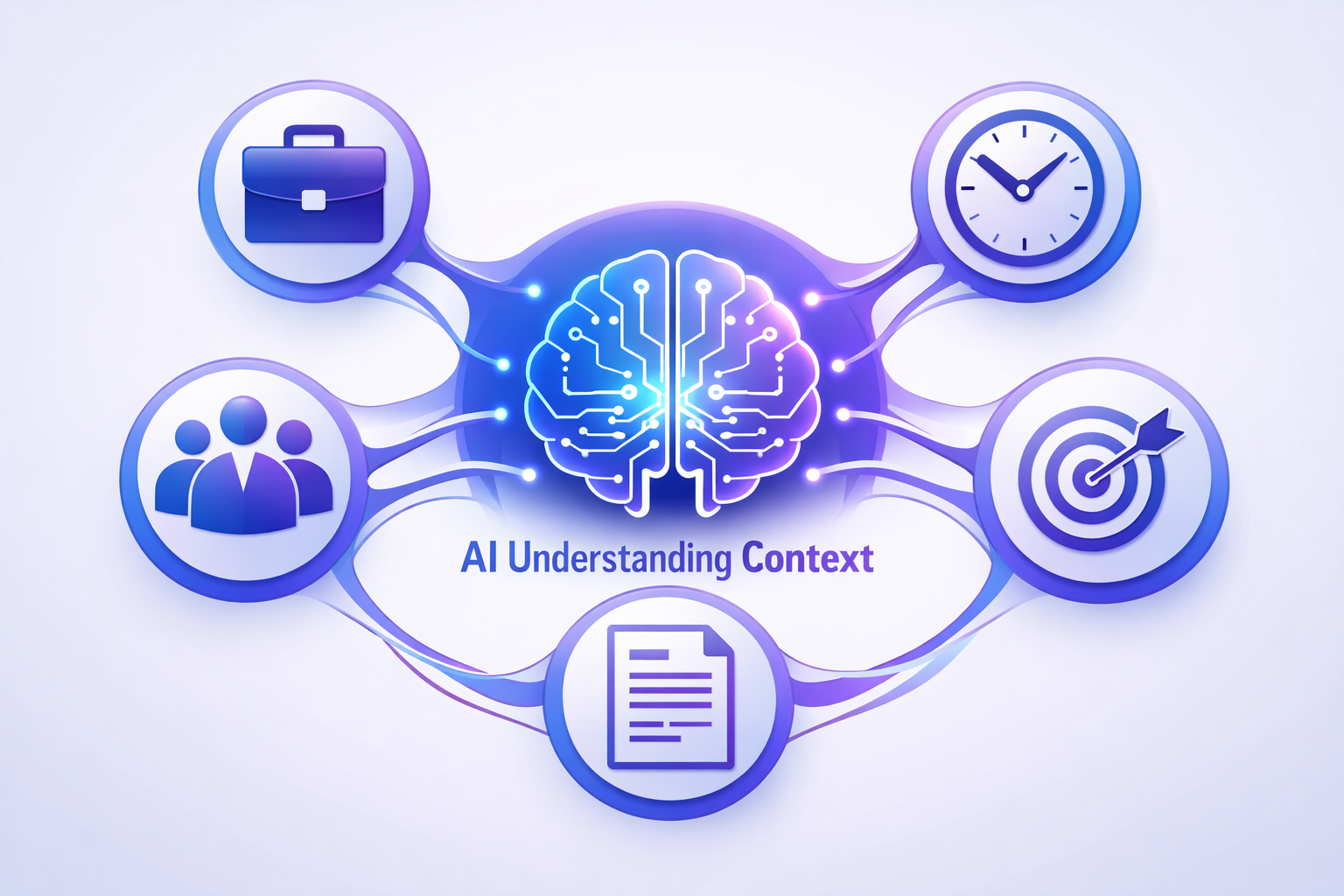
AI understanding context

Why Prompts Matter

AI models like GPT-4 are trained on vast amounts of data, but they need clear direction to apply that knowledge to your specific needs. A vague prompt gets vague results; a precise prompt gets precise results.

The Business Impact

According to recent research from MIT and OpenAI, businesses using structured prompt frameworks see:

  • 60% reduction in revision cycles
  • 45% faster content creation
  • 80% of users achieving desired outputs on first attempt

The Core Principle

Great prompts balance specificity with clarity. You want to provide enough context and constraints without overwhelming the AI with unnecessary details.

What is the main reason well-crafted prompts produce better AI results?
A They make the AI work harder
B They provide clear direction and specific context for the AI to apply its knowledge
C They use more words
D They confuse the AI into giving better answers

The CLEAR Framework

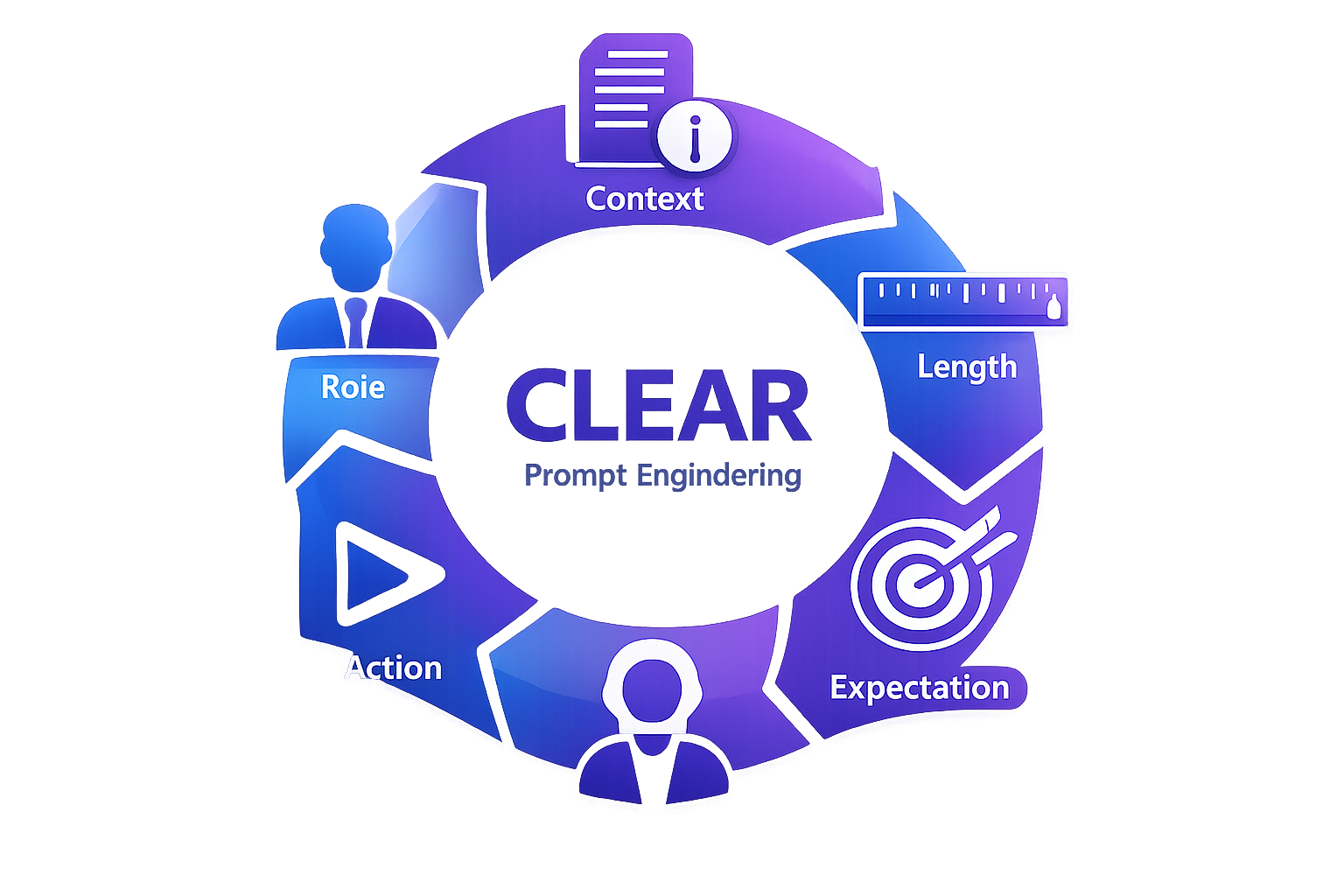
CLEAR is a proven framework that helps business teams structure effective prompts. Each letter represents a critical component:

CLEAR Framework Diagram
C
Context
Set the scene and background
L
Length
Specify desired output size
E
Expectation
Define the desired outcome
A
Action
State what you want done
R
Role
Assign the AI a perspective

Pro Tip

You don't need to use all five elements in every prompt. Start with Context, Action, and Expectation as your baseline, then add Role and Length as needed for complexity.

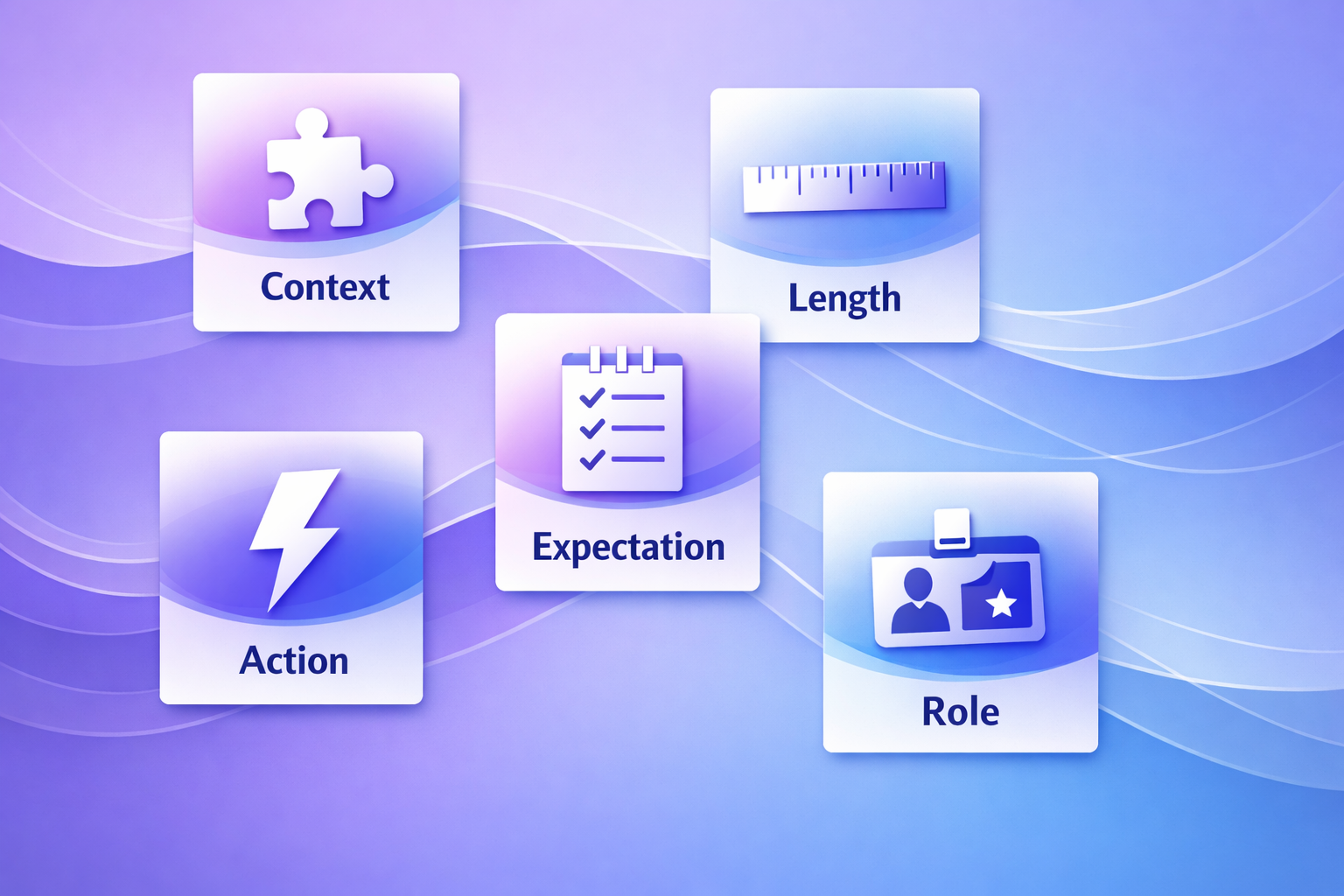
CLEAR in Action

CLEAR components visual

Context (C)

Provide background information that helps the AI understand the situation.

Example: "Our SaaS company is launching a new feature for project managers who struggle with time tracking..."

Length (L)

Specify how long or short the output should be—word count, sentences, or format.

Example: "Write a 200-word blog intro..." or "Create 3 bullet points..."

Expectation (E)

Describe the specific outcome, tone, style, and quality you're looking for.

Example: "Use a friendly but professional tone. Include specific metrics. Format as an executive summary."

Action (A)

Use a clear verb to state exactly what you want the AI to do.

Example: "Analyze this data..." "Draft an email..." "Summarize the key points..." "Create a list of..."

Role (R)

Tell the AI what perspective or expertise to adopt.

Example: "You are an experienced sales coach..." "Act as a marketing strategist..." "Respond as a customer service expert..."
Which CLEAR element tells the AI what perspective or expertise to adopt?
A Context
B Action
C Role
D Length

CLEAR Prompts for Business Teams

Marketing Example

Weak: "Write social media posts about our product."
CLEAR: "[Role] You are a B2B social media strategist. [Context] Our cybersecurity software helps mid-size companies prevent data breaches. [Action] Create [Length] three LinkedIn posts [Expectation] that highlight customer success stories, use a confident professional tone, and include relevant hashtags."

Sales Example

Weak: "Help me with a sales email."
CLEAR: "[Role] You are an enterprise sales consultant. [Context] I'm following up with a VP of Operations who attended our webinar on supply chain optimization. [Action] Draft [Length] a 150-word follow-up email [Expectation] that references one insight from the webinar, offers a 30-minute strategy call, and maintains a consultative tone."

Operations Example

Weak: "Summarize this report."
CLEAR: "[Role] You are a business analyst. [Context] This quarterly operations report contains data on production efficiency, costs, and employee utilization. [Action] Create [Length] a 5-bullet executive summary [Expectation] highlighting the three most critical issues and two key wins, suitable for C-level presentation."

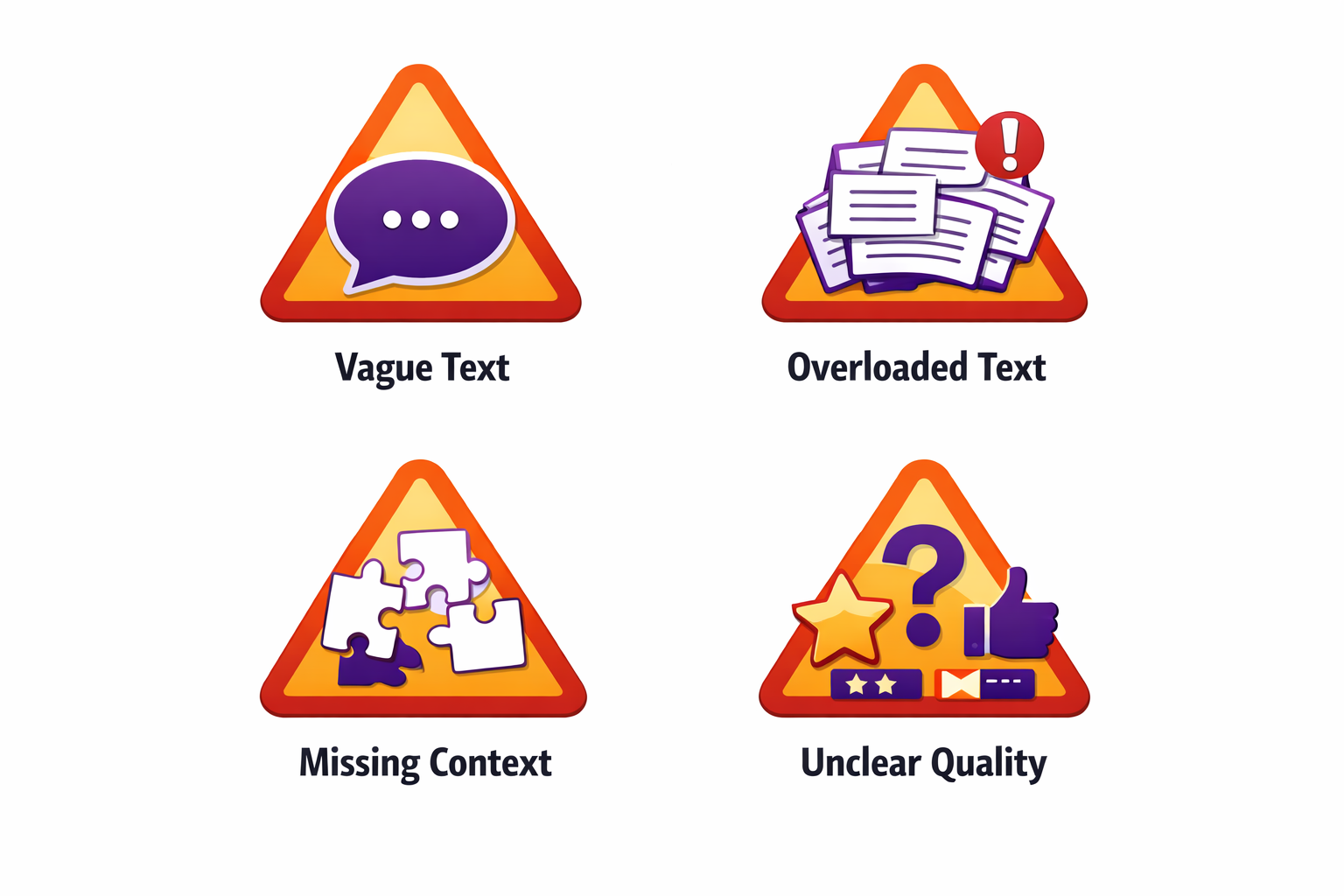
Common Prompt Mistakes to Avoid

Common prompt mistakes

Mistake #1: Being Too Vague

Problem: "Write something about leadership."

Solution: Specify the format, audience, length, and angle. "Write a 300-word blog post for new managers about delegation strategies, with three actionable tips."

Mistake #2: Overloading with Details

Problem: A 500-word prompt with every possible constraint and backstory.

Solution: Focus on what matters. Provide essential context, not exhaustive history. Aim for 50-150 words for most business prompts.

Mistake #3: Assuming Context

Problem: "Fix the issues in this report." (What issues? What kind of fix?)

Solution: Be explicit. "Review this sales report for data accuracy and formatting consistency. Highlight any discrepancies in the Q3 numbers."

Mistake #4: No Quality Indicators

Problem: "Create a presentation." (Tone? Style? Depth?)

Solution: Define expectations. "Create a 10-slide executive presentation with data visualizations, using a professional tone appropriate for board-level stakeholders."

Which of these is an example of being "too vague" in a prompt?
A "Write a 200-word email to customers announcing our new product features, using a friendly tone."
B "Help me with marketing."
C "You are a sales expert. Draft a follow-up email for a prospect who requested pricing information."
D "Analyze this customer feedback data and identify the top three complaint categories."

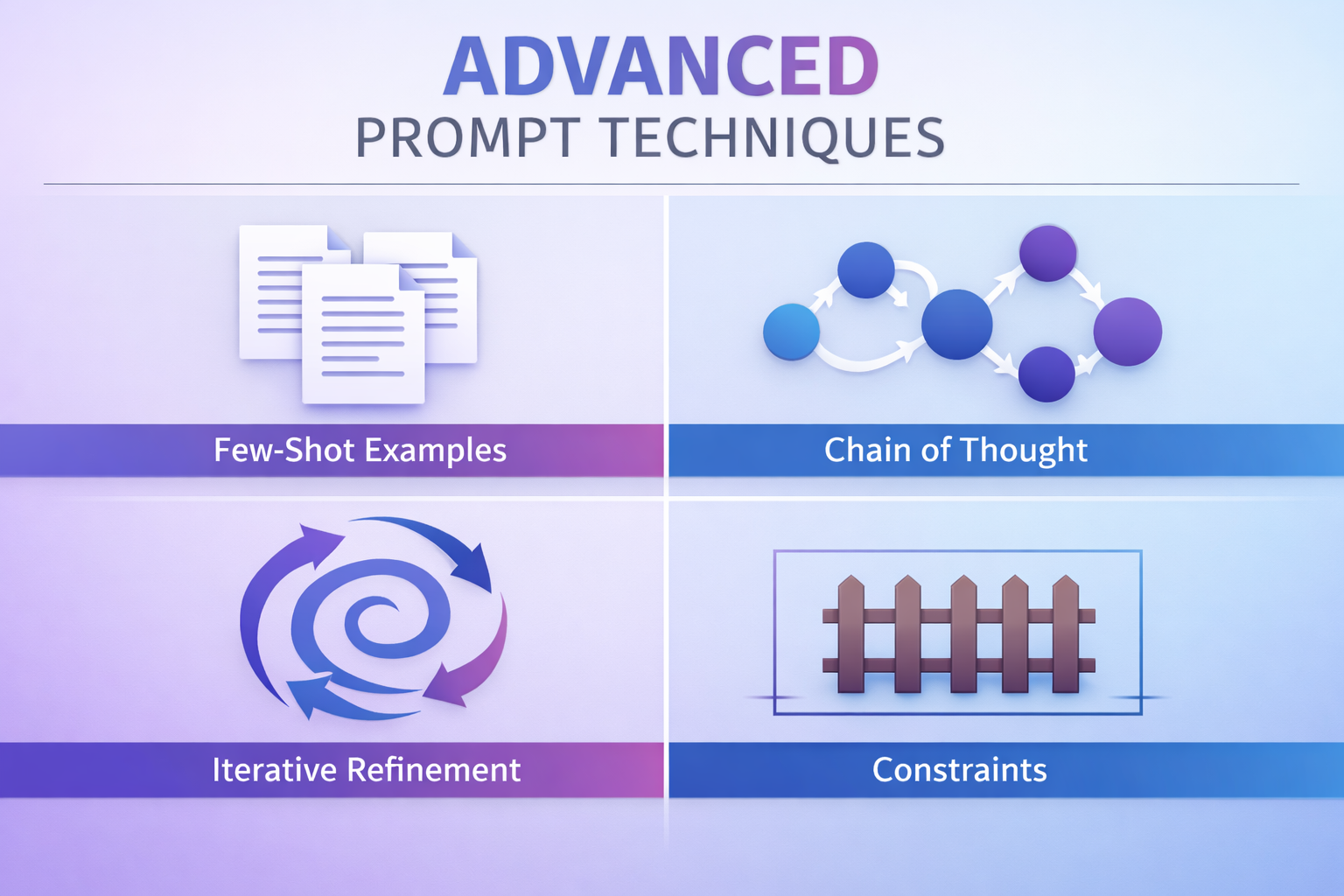
Advanced Prompt Techniques

Advanced prompt techniques

1. Few-Shot Prompting

Provide examples of what you want. This is especially powerful for specific formats or styles.

"Write product descriptions in this style:

Example 1: CloudSync Pro - Seamless collaboration meets military-grade security. 50% faster than competitors.
Example 2: TaskFlow Elite - Project management that adapts to your workflow, not the other way around.

Now write one for our new analytics dashboard."

2. Chain of Thought

Ask the AI to show its reasoning. Useful for analysis, problem-solving, and decision support.

"Analyze our customer churn data and explain your reasoning step-by-step before recommending retention strategies."

3. Iterative Refinement

Use follow-up prompts to refine outputs. Think of it as a conversation.

First prompt: "Draft a product launch email."
Follow-up: "Make it more conversational and add a sense of urgency."
Follow-up: "Shorten to 100 words and add emojis."

4. Constraints and Guardrails

Tell the AI what NOT to do, especially for sensitive topics.

"Write a customer service response. Do not make promises about refunds or technical timelines. Stay empathetic and helpful."

Building a Prompt Library for Your Team

Team collaboration

The most successful teams don't start from scratch every time. They build reusable prompt templates.

Creating Your Prompt Library

  • Document Winning Prompts: When a prompt works well, save it to a shared document or wiki.
  • Categorize by Use Case: Organize by function (sales, marketing, support) or by task type (emails, reports, analysis).
  • Include Examples: Show the prompt AND the output it generated, so others understand the quality to expect.
  • Encourage Iteration: Treat prompts as living documents. Team members should suggest improvements.
  • Onboard New Hires: Include prompt training in onboarding so new team members get productive faster.

Real-World Impact

Companies with documented prompt libraries report 40% faster onboarding for AI tools and 50% more consistent output quality across teams.

What is "few-shot prompting"?
A Using very short prompts with minimal details
B Providing examples of what you want so the AI can match the style and format
C Asking the AI to generate only a few sentences
D Limiting the number of times you use AI in a day

Practice: Build Your Own CLEAR Prompt

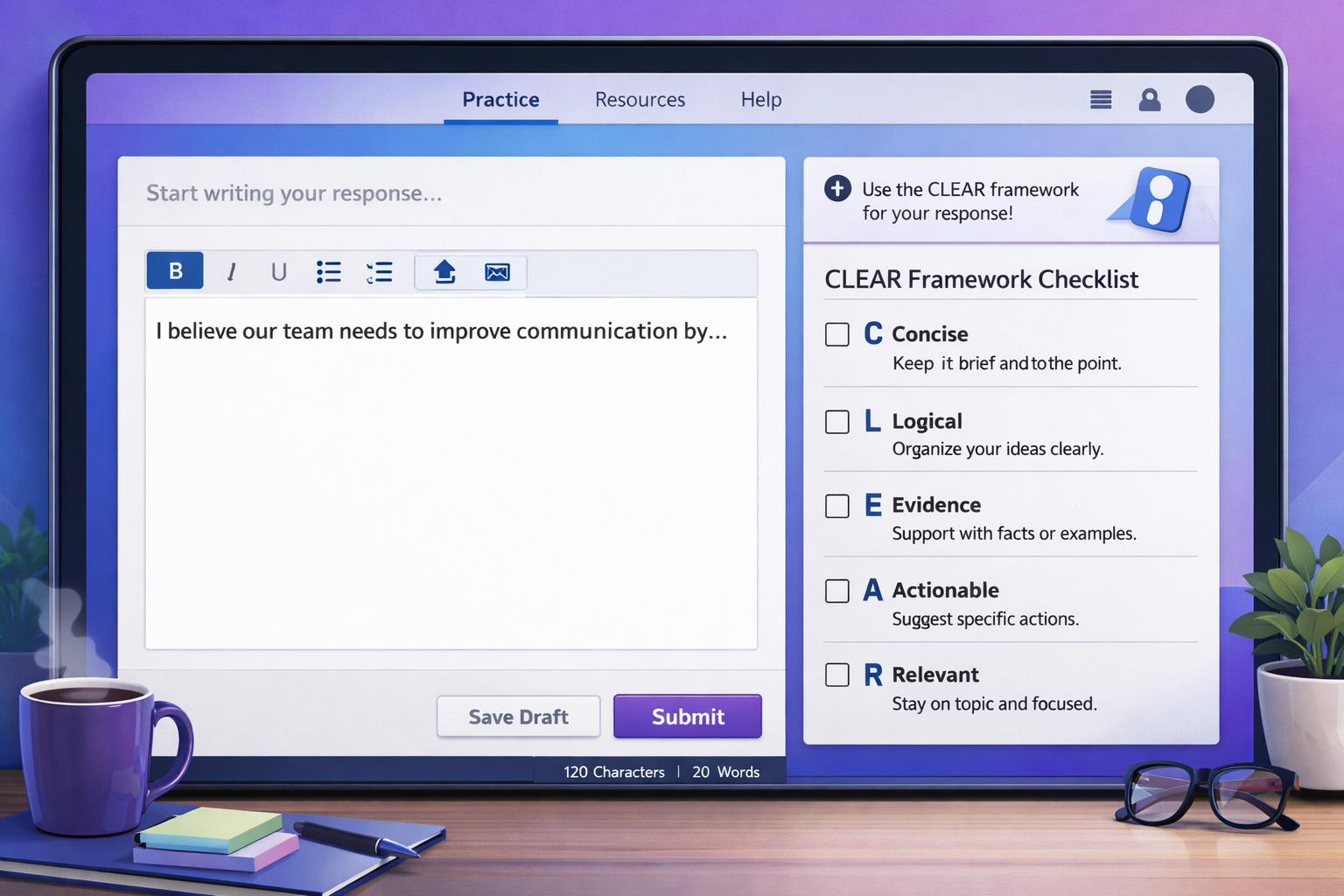
Let's apply what you've learned. Imagine you need to create a customer testimonial request email for your product. Use the CLEAR framework to build a strong prompt.

Practice workspace

Your Task:

Write a prompt that will generate an email asking satisfied customers to provide a testimonial. Think about:

  • What role should the AI take?
  • What context does it need about your product/customer?
  • What specific action should the AI perform?
  • How long should the output be?
  • What tone and expectations do you have?

Sample CLEAR Prompt

[Role] You are a customer success manager. [Context] We provide cloud-based accounting software for small businesses, and a customer just renewed their annual subscription. [Action] Write [Length] a 150-word email [Expectation] requesting a testimonial, emphasizing how their feedback helps other small businesses, and make it easy by asking 2-3 specific questions they can answer.

Key Takeaways

🎯 Core Principles

  • Specificity wins: Clear, detailed prompts get better results on the first try
  • CLEAR is your framework: Context, Length, Expectation, Action, Role
  • Avoid extremes: Too vague wastes time; too detailed overwhelms
  • Iterate intelligently: Use follow-up prompts to refine outputs

🚀 Quick Wins for Your Team

  • Start building a prompt library today—document what works
  • Use role assignment to get expert-level perspectives
  • Provide examples (few-shot) for consistent formatting
  • Set clear expectations about tone, length, and format
  • Train new team members on your prompt templates

📈 The Business Impact

Teams using structured prompt engineering report:

  • 60-70% reduction in revision cycles
  • 45% faster content creation
  • 3x higher satisfaction with AI outputs
  • 40% faster onboarding when using prompt libraries

Your Next Steps

1. Complete the assessment to test your understanding
2. Create 3 CLEAR prompts for your most common tasks
3. Share successful prompts with your team
4. Schedule a team workshop to build your prompt library

📝

Ready for the Assessment?

You'll now complete a 5-question assessment covering everything you've learned about prompt engineering.

Assessment Guidelines

  • 5 multiple-choice questions
  • Each question is worth 20 points
  • You need 80% (4/5 correct) to earn your certificate
  • Take your time and think through each question
  • You can retake the assessment if needed

Click "Next" when you're ready to begin!

Which component of the CLEAR framework specifies the desired outcome, tone, and style?
A Context
B Expectation
C Action
D Length
What is the primary benefit of using structured prompts according to research cited in this lesson?
A They make prompts longer and more impressive
B They reduce revision cycles by about 60% and save significant time
C They eliminate the need for human review
D They work only with ChatGPT and not other AI tools
Which of these demonstrates the "chain of thought" prompting technique?
A "Write three blog posts about our product."
B "Analyze our sales data and explain your reasoning step-by-step before making recommendations."
C "You are a marketing expert. Create an email campaign."
D "Provide examples of successful prompts."
According to the lesson, what should you do when a prompt works well for your team?
A Keep it secret to maintain competitive advantage
B Use it once and then create a completely new one
C Save it to a shared library, document the output, and encourage team refinement
D Immediately share it on social media
Which example best demonstrates a well-structured prompt using multiple CLEAR elements?
A "Write something professional."
B "Create content for marketing purposes that will be used by our team sometime soon."
C "You are a sales trainer. Our new reps struggle with cold calling. Write a 300-word guide on handling objections, using an encouraging tone with 5 specific techniques."
D "Help with sales training and make it good and useful for our company's needs and objectives."
1 / 0